Top Gaming Routers for Lag Free Online Gaming
Hey gamers! Ever been in the middle of an intense online match, only for your connection to stutter, lag, or even drop entirely? It's the absolute worst, right? You're not alone. Many gamers blame their internet service provider (ISP) or even their gaming rig, but often, the real culprit is an outdated or underperforming router. A good gaming router isn't just about fast speeds; it's about stable connections, low latency, and smart features that prioritize your gaming traffic. In this deep dive, we're going to break down what makes a router 'gaming-ready' and recommend some of the best options out there to keep your online adventures smooth and lag-free.
Why a Dedicated Gaming Router is a Game Changer for Online Play
You might be thinking, 'My ISP gave me a router, isn't that good enough?' For casual browsing or streaming, maybe. But for serious online gaming, you need something more robust. Here's why a dedicated gaming router is worth the investment:
Quality of Service QoS for Prioritized Gaming Traffic
This is probably the most crucial feature for gamers. QoS allows you to prioritize certain types of network traffic. So, if someone in your house is streaming 4K Netflix, downloading huge files, or video calling, your router can ensure that your game's data packets get preferential treatment. This means less lag and a more consistent connection for your gaming sessions. Think of it like a VIP lane for your game data.
Wi-Fi 6 and Wi-Fi 6E for Next Gen Wireless Performance
Wi-Fi 6 (802.11ax) is the latest wireless standard, offering faster speeds, better efficiency, and improved performance in congested network environments. Wi-Fi 6E takes it a step further by adding support for the 6GHz band, which is less congested than the 2.4GHz and 5GHz bands. This translates to lower latency and more stable connections, especially if you're gaming wirelessly. If you're serious about wireless gaming, Wi-Fi 6 or 6E is a must-have.
Low Latency and Ping Optimization for Competitive Gaming
Latency, often measured as 'ping,' is the time it takes for a data packet to travel from your device to the game server and back. Lower ping means less delay between your actions and what happens in the game. Gaming routers are designed to minimize this delay through optimized hardware and software, giving you a competitive edge.
Powerful Processors and Ample RAM for Handling Heavy Loads
Just like your gaming PC, a router needs a powerful processor and enough RAM to handle multiple devices and heavy network traffic without breaking a sweat. This ensures smooth operation, even when everyone in your household is online at the same time.
Multiple Ethernet Ports and Link Aggregation for Wired Stability
While Wi-Fi 6 is great, a wired Ethernet connection is always king for gaming. Gaming routers typically offer multiple Gigabit Ethernet ports, allowing you to connect your gaming PC or console directly for the most stable and lowest-latency connection possible. Some even support link aggregation, combining two Ethernet ports for even faster wired speeds.
Gaming Specific Features and User Friendly Interfaces for Easy Management
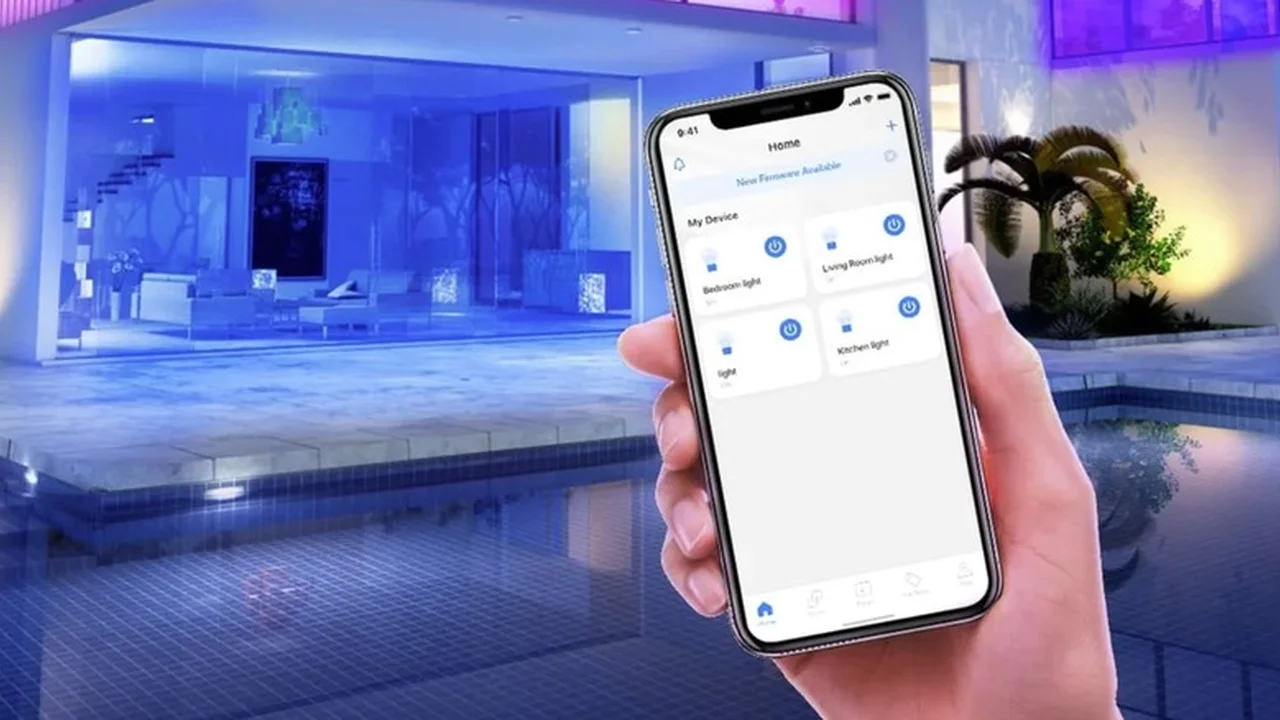
Many gaming routers come with dedicated gaming dashboards or apps that make it easy to monitor network traffic, adjust QoS settings, and even activate 'gaming modes' with a single click. These user-friendly interfaces simplify network management, even for those who aren't network engineers.
Top Gaming Routers We Recommend for Different Budgets and Needs
Alright, let's get to the good stuff! Here are some of our top picks for gaming routers, catering to various budgets and use cases. Remember, prices can fluctuate, so always check current retail listings.
High End Performance The Best of the Best for Serious Gamers
ASUS ROG Rapture GT-AXE16000 The Ultimate Wi-Fi 6E Gaming Router
If you're looking for the absolute pinnacle of gaming router performance and money is no object, the ASUS ROG Rapture GT-AXE16000 is your beast. This quad-band Wi-Fi 6E router offers an insane 16000 Mbps combined speed, including a dedicated 6GHz band for ultra-low latency wireless gaming. It's packed with gaming-specific features like Triple-Level Game Acceleration, which prioritizes gaming packets from your device all the way to the game server. It also boasts two 10 Gigabit ports for blazing-fast wired connections, perfect for high-speed NAS or multi-gig internet plans. The powerful quad-core CPU ensures it can handle anything you throw at it. This router is ideal for competitive gamers, streamers, and households with multiple bandwidth-hungry users. Expect to pay around $600-$700 USD.
Netgear Nighthawk RAXE500 Wi-Fi 6E Tri Band Gaming Router
Another top-tier Wi-Fi 6E contender, the Netgear Nighthawk RAXE500, offers incredible speeds and a sleek design. Its tri-band setup includes the new 6GHz band, providing a superhighway for your gaming traffic. It features a powerful processor, multiple Gigabit Ethernet ports, and a 2.5G WAN/LAN port for flexible high-speed connections. Netgear's Nighthawk App makes setup and management a breeze, with intuitive QoS settings. This router is fantastic for large homes with many devices and gamers who want the absolute best wireless performance. Price point is typically in the $500-$600 USD range.
Mid Range Excellence Great Value for Performance Focused Gamers
TP-Link Archer AXE75 AXE5400 Tri Band Wi-Fi 6E Router
Stepping down a bit in price but still offering excellent Wi-Fi 6E performance, the TP-Link Archer AXE75 is a fantastic value. It provides tri-band Wi-Fi 6E with speeds up to 5400 Mbps, making that 6GHz band accessible without breaking the bank. It has a decent quad-core CPU, multiple Gigabit Ethernet ports, and TP-Link's HomeShield security suite. While it might not have all the extreme gaming optimizations of the ROG Rapture, its raw Wi-Fi 6E performance and solid QoS make it a great choice for most gamers. This is a sweet spot for performance and price, usually around $180-$250 USD.
ASUS RT-AX86U AX5700 Dual Band Wi-Fi 6 Gaming Router
If you don't need Wi-Fi 6E just yet but want top-notch Wi-Fi 6 performance, the ASUS RT-AX86U is a perennial favorite. It's a dual-band Wi-Fi 6 router with speeds up to 5700 Mbps, a dedicated gaming port that prioritizes any device connected to it, and Adaptive QoS. It also features a 2.5G WAN/LAN port for high-speed internet connections. This router is known for its strong signal coverage and robust feature set, making it ideal for gamers who primarily use the 5GHz band or wired connections. It's often available for around $250-$300 USD.
Budget Friendly Options Solid Performance Without Breaking the Bank
TP-Link Archer AX21 AX1800 Dual Band Wi-Fi 6 Router
For gamers on a tighter budget who still want to upgrade to Wi-Fi 6, the TP-Link Archer AX21 is an excellent choice. It offers dual-band Wi-Fi 6 speeds up to 1800 Mbps, which is more than enough for most internet plans and online gaming. It includes basic QoS features and a reliable connection. While it won't have the advanced gaming features of its more expensive counterparts, it's a significant upgrade over older Wi-Fi 5 routers and provides a stable, low-latency connection for casual to moderate online gaming. You can often find this router for under $100 USD, making it incredibly accessible.
Netgear Nighthawk R7000 AC1900 Dual Band Wi-Fi 5 Router
Even though it's a Wi-Fi 5 (802.11ac) router, the Netgear Nighthawk R7000 remains a popular choice for budget-conscious gamers due to its strong performance and robust feature set for its price. It offers good range, reliable connections, and effective QoS. If your devices are primarily Wi-Fi 5 and you're looking for a significant upgrade from an ISP-provided router without spending much, this is a solid option. It's often available for around $80-$120 USD, especially refurbished or on sale.
Key Considerations When Choosing Your Gaming Router
Beyond our recommendations, here are a few more things to keep in mind when you're shopping for your perfect gaming router:
Your Internet Speed and ISP Plan
Make sure your router can handle your internet speed. If you have a gigabit internet plan, you'll want a router with Gigabit Ethernet ports and Wi-Fi 6 or 6E to take full advantage of that speed. Don't buy a super-fast router if your internet plan is only 100 Mbps; you won't see the full benefit.
Size of Your Home and Coverage Needs
For larger homes or homes with many walls, consider a router with strong signal penetration or look into a mesh Wi-Fi system with gaming features. Some gaming routers are designed to cover large areas, while others might need extenders or a mesh setup to ensure consistent coverage.
Number of Connected Devices
If you have many smart home devices, streaming devices, and multiple users, a router with a powerful processor and features like OFDMA (Orthogonal Frequency-Division Multiple Access) and MU-MIMO (Multi-User, Multiple-Input, Multiple-Output) will handle the traffic more efficiently.
Wired vs Wireless Gaming Preference
If you primarily game on a wired connection, focus on routers with good Ethernet port configurations (e.g., 2.5G or 10G ports). If you're a wireless warrior, prioritize Wi-Fi 6/6E, strong antennas, and beamforming technology.
Security Features and Parental Controls
Many modern routers come with built-in security suites to protect your network from threats and parental controls to manage internet access for younger users. These are great added benefits to consider.
Setting Up Your Gaming Router for Optimal Performance
Once you've got your new gaming router, here are a few tips to get the most out of it:
Placement is Key for Signal Strength
Place your router in a central location, away from obstructions like thick walls, large appliances, and other electronics that might cause interference. Higher is generally better.
Prioritize Your Gaming Device with QoS Settings
Dive into your router's settings (usually via a web browser or a dedicated app) and configure QoS to prioritize your gaming PC or console. This is where your investment really pays off.
Use a Wired Connection Whenever Possible for Stability
Seriously, if you can, connect your gaming device directly to the router with an Ethernet cable. It's the most stable and lowest-latency connection you can get.
Keep Your Router Firmware Updated for Best Performance
Router manufacturers frequently release firmware updates that improve performance, add new features, and patch security vulnerabilities. Make sure your router's firmware is always up to date.
Consider a Dedicated Gaming VPN for Geo Optimization
While not directly a router feature, some gamers use a gaming VPN to connect to game servers that are geographically closer, potentially reducing ping. Some advanced routers even have built-in VPN client support.
Upgrading to a dedicated gaming router can dramatically improve your online gaming experience, reducing lag, improving stability, and giving you a competitive edge. Whether you're a casual player or a hardcore esports enthusiast, there's a gaming router out there that's perfect for your needs and budget. Happy gaming!
:max_bytes(150000):strip_icc()/277019-baked-pork-chops-with-cream-of-mushroom-soup-DDMFS-beauty-4x3-BG-7505-5762b731cf30447d9cbbbbbf387beafa.jpg)