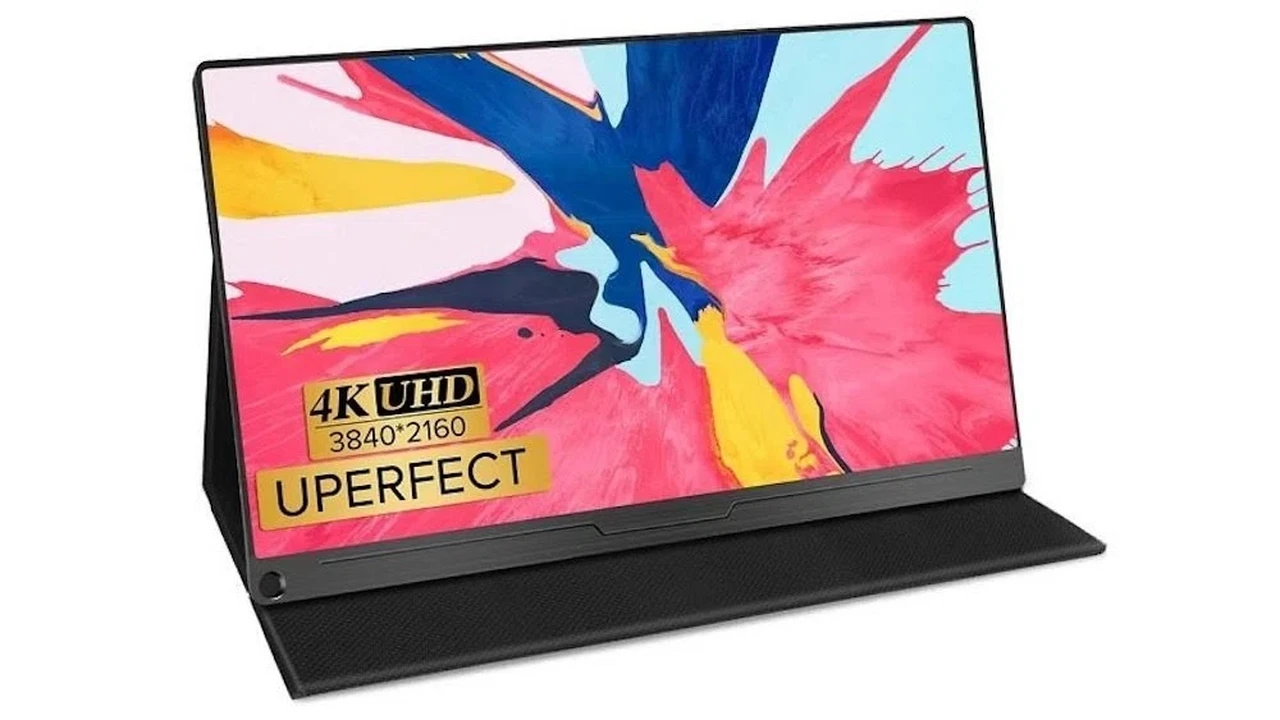
Comparing Portable Monitors for On-the-Go Productivity
Hey there, productivity enthusiasts and digital nomads! Ever found yourself squinting at a single laptop screen, wishing you had just a little more room to spread out your tabs, documents, or creative projects? Whether you're a student juggling research papers, a remote worker managing multiple applications, a graphic designer needing more canvas, or even a gamer wanting an extra display for your console, a portable monitor could be your next best friend. These sleek, lightweight devices are designed to give you that much-needed extra screen real estate, no matter where you are – a coffee shop, an airport lounge, or even just a different room in your house. But with so many options out there, how do you pick the right one? Let's dive deep into the world of portable monitors, comparing features, use cases, and some top picks to help you make an informed decision.
Why You Need a Portable Monitor for Enhanced Productivity and Mobile Workstations
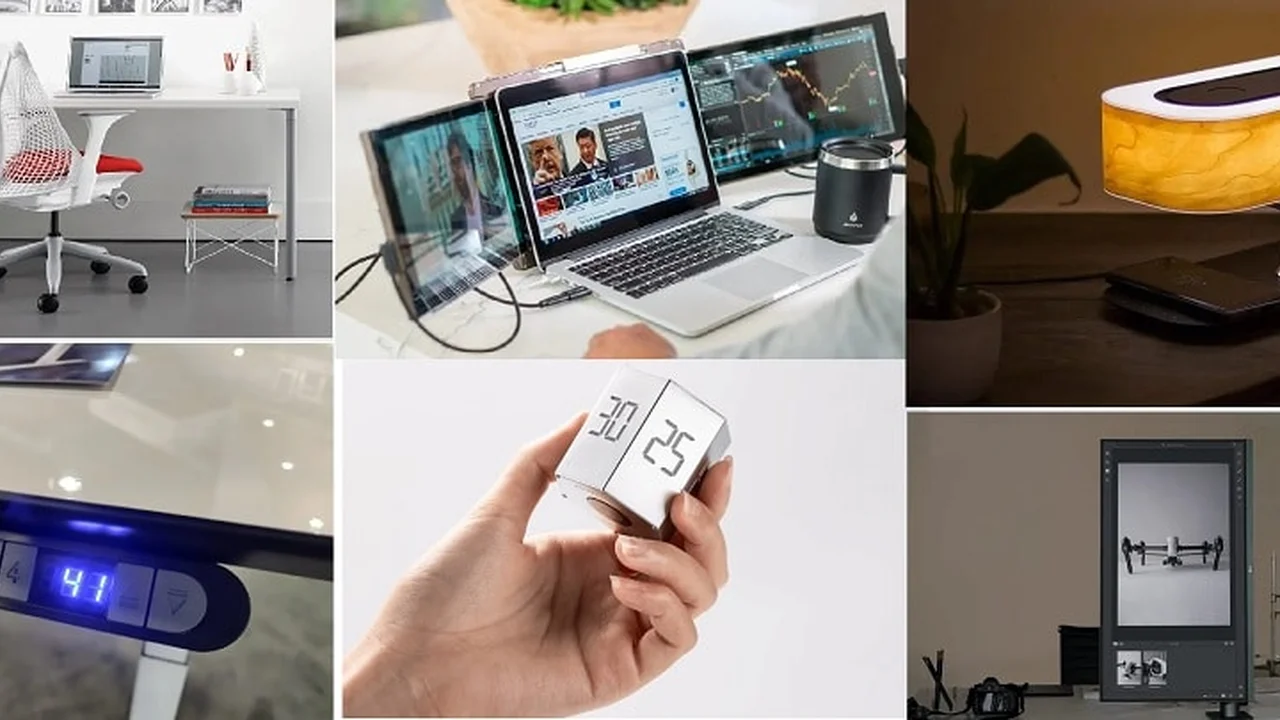
So, why bother with a portable monitor? The answer is simple: productivity. Studies consistently show that using multiple monitors can significantly boost your efficiency. Imagine being able to have your main document open on your laptop screen while referencing research on your portable monitor, or having your video conference call on one screen and your notes on another. For creative professionals, it means more space for toolbars, palettes, and timelines. For coders, it's invaluable for viewing code on one screen and its output on another. For gamers, it can mean a dedicated screen for chat, maps, or streaming overlays. The flexibility and increased workspace a portable monitor offers are game-changers for anyone who works or plays on the go.
Key Features to Consider When Choosing a Portable Monitor for Your Setup
Before we jump into specific recommendations, let's break down the crucial features you should keep an eye out for:
Screen Size and Resolution for Optimal Viewing Experience
Portable monitors typically range from 13 inches to 17 inches. A 15.6-inch screen is often the sweet spot, offering a good balance between portability and usable screen space. Resolution is also key. Most portable monitors come with Full HD (1920x1080) resolution, which is perfectly adequate for most tasks. However, if you're a graphic designer, video editor, or someone who deals with high-resolution content, you might want to consider 2K (2560x1440) or even 4K (3840x2160) options for sharper images and more detailed visuals. Keep in mind that higher resolutions might require more power from your connected device.
Connectivity Options USB C HDMI and DisplayPort Compatibility
This is where things can get a bit technical, but it's super important. The most common and convenient connection for modern portable monitors is USB-C (Thunderbolt 3/4 compatible). A single USB-C cable can often handle both power and video, making for a super clean setup. Many monitors also include an HDMI port, which is great for connecting to older laptops, gaming consoles, or cameras. Some might even have a Mini DisplayPort. Make sure the monitor you choose has the ports that match your primary devices. Adapters exist, but direct compatibility is always smoother.
Panel Type IPS OLED for Color Accuracy and Viewing Angles
The panel type affects image quality. IPS (In-Plane Switching) panels are the most common and offer excellent color accuracy and wide viewing angles, making them ideal for general use, creative work, and sharing your screen. Some premium portable monitors are starting to feature OLED (Organic Light Emitting Diode) panels, which deliver incredible contrast, true blacks, and vibrant colors, but they come at a higher price point. For most users, an IPS panel will be more than sufficient.
Brightness and Contrast for Different Lighting Conditions
Brightness, measured in nits, determines how well you can see the screen in various lighting conditions. A monitor with 250-300 nits is generally fine for indoor use, but if you plan to use it outdoors or in brightly lit environments, look for something with 400 nits or more. Contrast ratio impacts how distinct dark and light areas appear. Higher contrast ratios generally lead to a more dynamic and visually appealing image.
Portability and Build Quality Weight Thickness and Durability
Since it's a *portable* monitor, its weight and thickness are crucial. Look for models that are thin and light enough to easily slip into your laptop bag without adding significant bulk. Aluminum or other durable materials for the casing are a plus, as they offer better protection against bumps and scratches during travel. A good built-in stand or a protective cover that doubles as a stand is also a huge convenience.
Touchscreen Functionality and Stylus Support for Interactive Use
Some portable monitors offer touchscreen capabilities, which can be incredibly useful for certain workflows, especially if you're using Windows or Android devices. If you're an artist or designer, look for models that also support an active stylus for precise drawing and note-taking. Keep in mind that touchscreen functionality often adds to the cost.
Battery Life and Power Options for Extended Use
While many portable monitors draw power directly from your connected device via USB-C, some come with their own built-in batteries. A built-in battery is fantastic if your laptop has limited power output or if you want to use the monitor with devices that don't supply power (like some gaming consoles or older smartphones). Check the advertised battery life if this is a feature you need.
Top Portable Monitor Recommendations for Various Use Cases and Budgets
Alright, let's get to some specific models that stand out in the market. Remember, prices can fluctuate, so always check current retail listings.
ASUS ZenScreen MB16ACV The Reliable All-Rounder
Overview: The ASUS ZenScreen MB16ACV is a fantastic choice for general productivity and everyday use. It's a 15.6-inch Full HD (1920x1080) IPS display that's incredibly lightweight and slim. It boasts a hybrid signal solution, meaning it can connect via USB-C (for both power and video) or USB-A (requiring a driver and separate power). It also features an anti-glare surface and a smart case that doubles as a stand.
Use Case: Perfect for students, remote workers, and anyone needing a reliable second screen for presentations, spreadsheets, or general multitasking. Its simplicity and robust build make it a go-to for frequent travelers.
Pros: Very portable, good image quality for its price, versatile connectivity, built-in tripod socket. It also has an antibacterial treatment, which is a nice touch for shared workspaces.
Cons: Not the brightest screen, no built-in battery, stand can be a bit fiddly for precise angle adjustments.
Estimated Price: $200 - $250 USD
Dell C1422H The Premium Productivity Powerhouse
Overview: Dell's C1422H is a 14-inch Full HD (1920x1080) IPS portable monitor known for its excellent build quality and thoughtful design. It features two USB-C ports, allowing you to power it from one port while connecting to your device via the other, or even daisy-chaining power. It's incredibly thin and light, making it highly portable.
Use Case: Ideal for business professionals, executives, and anyone who values premium build quality and a streamlined setup. Its compact size makes it perfect for smaller desks or tight travel spaces.
Pros: Superb build quality, very lightweight, dual USB-C ports for flexible power delivery, good brightness and contrast for its size, integrated kickstand.
Cons: Smaller screen size (14-inch might be too small for some), no HDMI port (USB-C only), higher price point.
Estimated Price: $300 - $350 USD
Arzopa Portable Monitor 15.6 inch The Budget-Friendly Performer
Overview: Arzopa has gained popularity for offering solid performance at a very competitive price. Their 15.6-inch Full HD (1920x1080) IPS portable monitor often comes with a good range of connectivity options, including mini HDMI and two USB-C ports. It's a no-frills option that gets the job done without breaking the bank.
Use Case: Excellent for students, casual users, or anyone on a tight budget who still needs an extra screen. Also a great option for connecting to gaming consoles like the Nintendo Switch or PS5 for a quick portable gaming setup.
Pros: Very affordable, decent image quality for the price, good connectivity options, lightweight.
Cons: Build quality might not feel as premium as Dell or ASUS, stand/cover can be less stable, brightness might be lower than more expensive models.
Estimated Price: $100 - $150 USD
ViewSonic VG1655 The Versatile Workhorse with a Kickstand
Overview: The ViewSonic VG1655 is a 15.6-inch Full HD (1920x1080) IPS portable monitor that stands out with its robust, integrated kickstand. This stand allows for a wide range of tilt angles and can even support the monitor in portrait mode, which is fantastic for coding, reading long documents, or social media feeds. It offers dual USB-C and mini HDMI connectivity.
Use Case: Ideal for coders, writers, graphic designers who need portrait mode, and anyone who appreciates a stable and versatile stand. Also great for presentations where you need to quickly adjust the viewing angle.
Pros: Excellent integrated kickstand, good build quality, versatile connectivity, portrait mode support, decent brightness.
Cons: Slightly heavier than some competitors due to the robust stand, no built-in battery.
Estimated Price: $250 - $300 USD
Innocn 15.6-inch OLED Portable Monitor The Visual Feast
Overview: If visual quality is your top priority and budget isn't a major concern, an OLED portable monitor like the Innocn 15.6-inch OLED is a game-changer. It offers stunning colors, infinite contrast, and true blacks thanks to its OLED panel. It's a Full HD (1920x1080) display with USB-C and mini HDMI inputs, and often includes a built-in battery.
Use Case: Perfect for photographers, video editors, graphic designers, and anyone who consumes a lot of high-quality media or plays visually rich games. The OLED panel makes movies and photos pop.
Pros: Incredible picture quality (colors, contrast, blacks), often includes a built-in battery, slim and lightweight design.
Cons: Significantly more expensive than IPS alternatives, potential for OLED burn-in (though less common with modern panels), brightness might not be as high as some IPS panels.
Estimated Price: $350 - $500 USD
Setting Up Your Portable Monitor Tips and Tricks for Seamless Integration
Once you've got your portable monitor, setting it up is usually a breeze. For USB-C connections, it's often plug-and-play. For HDMI, you'll need a separate power source (usually a USB cable to your laptop or a wall adapter). Once connected, your operating system (Windows, macOS, Android, ChromeOS) should automatically detect it. You can then go into your display settings to arrange the monitors (e.g., extend display to the left or right), adjust resolution, and scale text to your liking. Don't forget to check for any drivers or software from the manufacturer, especially for touchscreen models or those using USB-A connections.
The Future of Portable Displays Innovation and Emerging Trends
The portable monitor market is constantly evolving. We're seeing more monitors with higher refresh rates (great for gaming), integrated batteries becoming more common, and even foldable or rollable concepts emerging. As USB-C becomes even more ubiquitous and powerful, these monitors will only get more convenient and capable. Expect to see more integration with smart features, better color calibration out of the box, and perhaps even wireless display technologies becoming more reliable.
So, there you have it! A comprehensive look at portable monitors. Whether you're looking to boost your productivity, enhance your entertainment, or simply make your mobile workstation more efficient, there's a portable monitor out there for you. Consider your primary use case, your budget, and the features that matter most to you, and you'll be well on your way to enjoying that sweet, sweet extra screen space.
:max_bytes(150000):strip_icc()/277019-baked-pork-chops-with-cream-of-mushroom-soup-DDMFS-beauty-4x3-BG-7505-5762b731cf30447d9cbbbbbf387beafa.jpg)